
Build a Project Tool that Actually Fits Your Workflow.
Stop fighting rigid templates. Describe how your team works, and get a custom, production-ready PM tool in 60 seconds.
Select what you want to manage:





Stop Managing Tools.
Start Managing Projects.
Get the exact features you need to deliver on time -
without the clutter you don't.
Stop fighting your tool. Assign multiple owners, split responsibilities, and track who is doing what without creating duplicate tasks.

Link tasks directly to GitHub PRs and commits. When the code ships, the project updates automatically.

Let AI automatically hand off tasks, update statuses, and notify stakeholders the second a milestone is hit.

When your process changes, just ask the AI to update your tool. Add new fields or stages instantly without losing historical data.

Don't Stop at
Project Management.
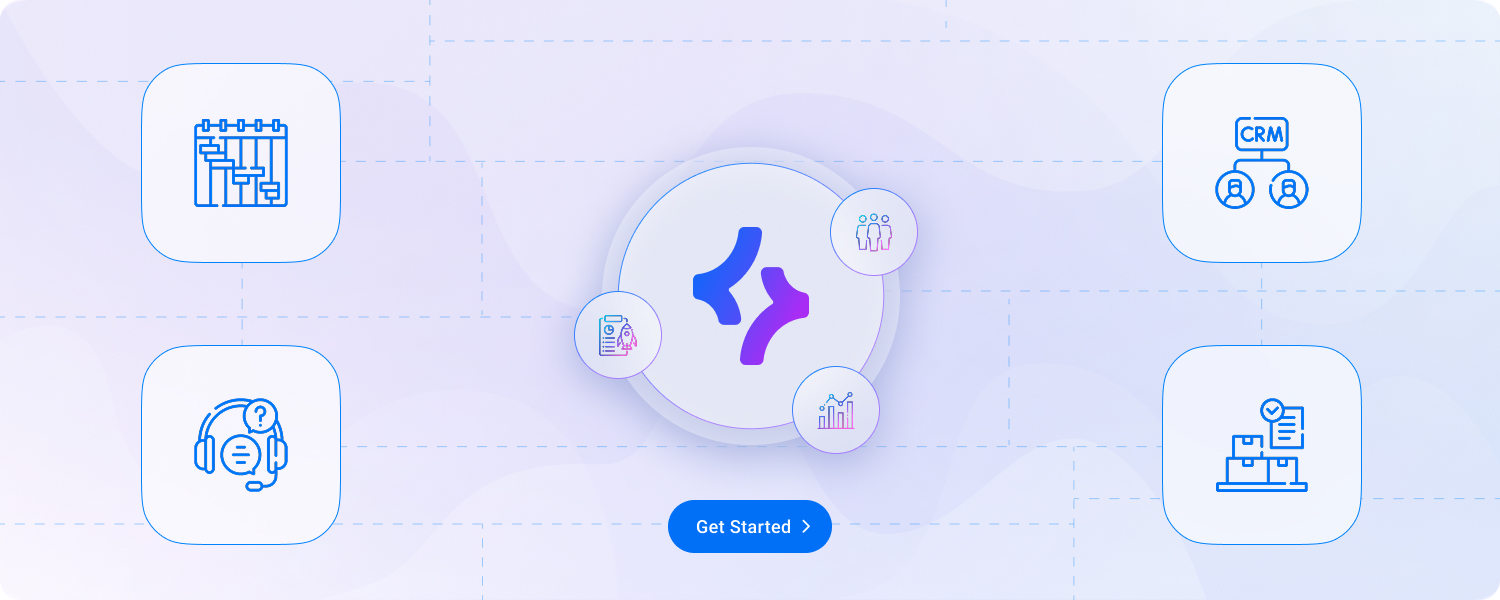
Build your CRM or automations on the same platform.
Share data, users, and workflows across your business.
All for one price.
Stop Waiting for
the perfect PM Tool.
Build It Right Now.
Get your team aligned and hit your deadlines. Create your custom workspace today.
Frequently Asked Questions
What is a custom project management tool?
A custom project management tool is a workspace built around the way your team actually plans, assigns, tracks, and delivers work. Instead of forcing your process into a fixed template, Smartoo lets you describe your workflow in plain English and creates the tables, views, dashboards, and automations you need to manage projects from start to finish.
How is Smartoo different from Asana, Trello, ClickUp, or monday.com?
Traditional project management tools give every team the same structure, then ask you to configure boards, fields, statuses, and automations yourself. Smartoo starts with your process. You describe how your team works, and Smartoo helps generate a project tool with the right data, screens, workflows, and permissions already connected.
Can Smartoo create a project management tool for my specific workflow?
Yes. Smartoo is designed for teams whose project workflow does not fit a standard template. You can create systems for client deliverables, internal projects, sprint planning, content pipelines, resource planning, approvals, or operations work. Start with a description, then refine the fields, views, statuses, and automations as your process changes.
Do I need developers or IT support to build a project management app in Smartoo?
No. Business users can build the first version themselves by explaining what they need in everyday language. This helps teams move faster without waiting for IT, and it also gives technical teams a clearer working prototype if they later need to review, extend, or integrate the system.
Can Smartoo automate project management tasks?
Yes. Smartoo can help automate routine project work such as assigning owners, sending deadline reminders, moving tasks between stages, notifying stakeholders, creating follow-up actions, and routing approvals. The goal is to reduce manual updates so your team can focus on delivery instead of tool maintenance.
Can I use Smartoo for client projects and approval workflows?
Yes. Smartoo can be used to manage client deliverables, approvals, requests, feedback, and status updates in one place. You can create client-facing views or portals while keeping internal notes, budgets, and team-only information private.
Can Smartoo connect project work with CRM, support, or operations data?
Yes. Smartoo is not only a standalone project tracker. Because your project tool can share data with other Smartoo apps, you can connect projects to customers, deals, support tickets, inventory, requests, or internal operations. This helps teams avoid duplicate data and disconnected tools.
Is Smartoo better for small teams or growing businesses?
Smartoo is useful for small teams that need a project tool quickly, and for growing businesses that have outgrown spreadsheets or rigid templates. You can start with a simple task tracker, then add dashboards, automations, permissions, and connected business apps as your team’s process becomes more complex.
Can I build a project dashboard in Smartoo?
Yes. Smartoo can help you create dashboards for deadlines, project status, overdue tasks, team workload, client deliverables, or resource planning. Dashboards can be connected to the same data your team uses for forms, task lists, and workflows.
Can Smartoo replace spreadsheets for project tracking?
Yes. If your team tracks projects in spreadsheets, Smartoo can turn that process into a structured project app with forms, views, dashboards, permissions, and automations. You keep the flexibility of a custom setup while gaining a more reliable system for day-to-day work.